
Dreame Robot Pool Cleaner Review: Which Model Fits Your Pool?
Start with the Z1 for routine scrubbing, consider the Z1 Pro for its remote and shallow shelf support, and pick the J1 for leaves that float.
By Willa | November 28, 2026
KitchLit may earn a commission when you buy through our links.
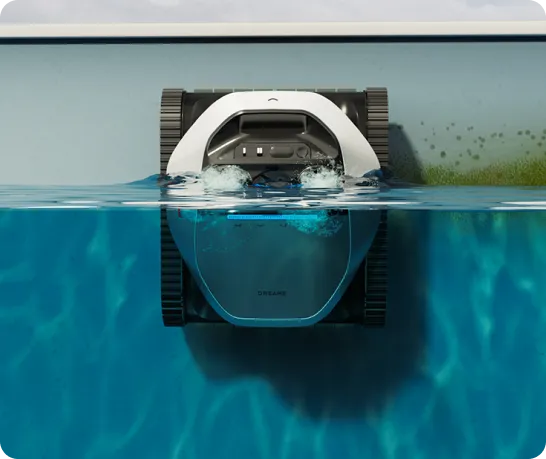
Key takeaways
1
Start with the Z1
It covers the floor, walls and waterline in pools up to Dreame’s stated 1,950 sq. ft.
2
Choose the Pro for more control
The Pro adds a poolside remote that works underwater, support for shallow sun shelves and a higher coverage rating.
3
Get the J1 for floating debris
The solar-assisted skimmer catches floating leaves and bugs with a 5 L basket.
Dreame Z1, Z1 Pro and J1 at a glance
For a cleaner pool, robot choice starts with where debris gathers. Both Z1 models scrub underwater surfaces. The J1 stays at the top of the water and intercepts floating debris.
| Model | What it cleans | What sets it apart |
|---|---|---|
| Z1 | Floor, walls and waterline | Up to 1,950 sq. ft. Our pick for routine scrubbing |
| Z1 Pro | Floor, walls and waterline | Up to 2,160 sq. ft. LiFi remote and sun shelf support |
| J1 | Floating debris on the surface and along the edges | Solar-assisted skimming 5 L debris basket |
Coverage figures come from Dreame. Both Z1 models are rated at up to 8,000 gallons per hour of pump flow and around three hours of runtime. Cleaning mode and pool conditions affect what one charge covers.
Dreame Z1 Pro or Z1?
Both cordless robots scrub the floor, walls and waterline. Choose based on your pool size, whether it has a shallow ledge, and how much control you want from the deck.
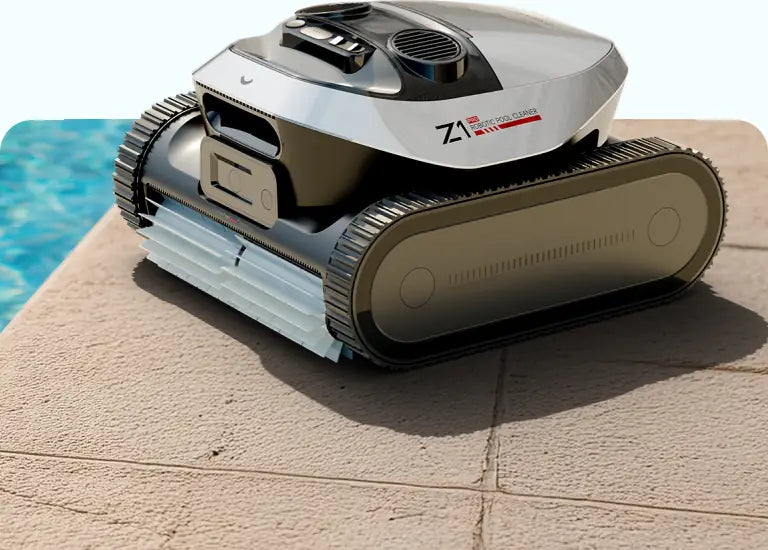
Dreame Z1 Pro
For larger pools, shallow ledges or poolside control
Dreame rates the Pro for up to 2,160 sq. ft. Its LiFi remote lets you send it toward a missed spot or call it back while it’s underwater.
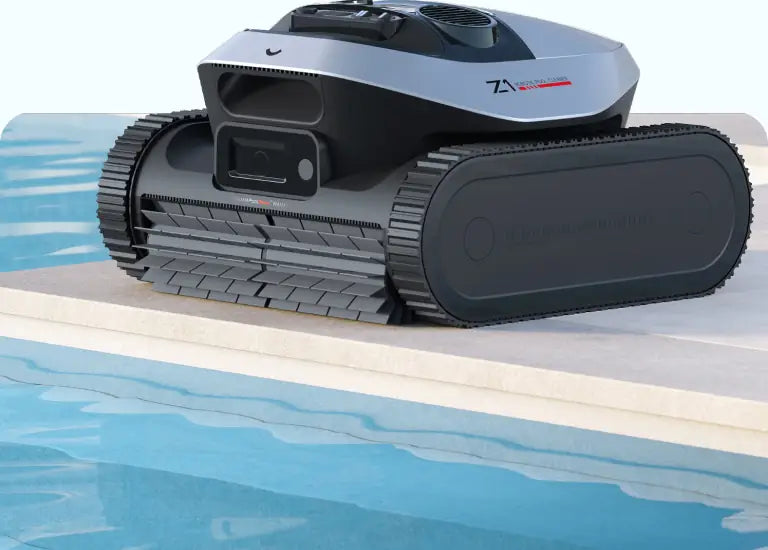
Dreame Z1
Our pick for routine pool cleaning
Dreame rates the Z1 for up to 1,950 sq. ft. It shares the Pro’s rated pump flow and covers the same main surfaces. Choose a cleaning mode on the robot or in the app before putting it in the pool.
Underwater scrubbing and surface skimming
Leaves can float near the skimmer opening or settle at the deep end. A robot built for one job moves through a different part of the pool.
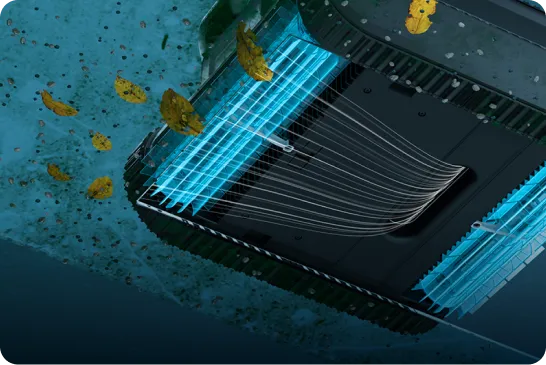
Floor, walls and waterline
The Z1 series uses rollers and suction to take up settled debris. Its waterline mode follows the wall where it meets the water.
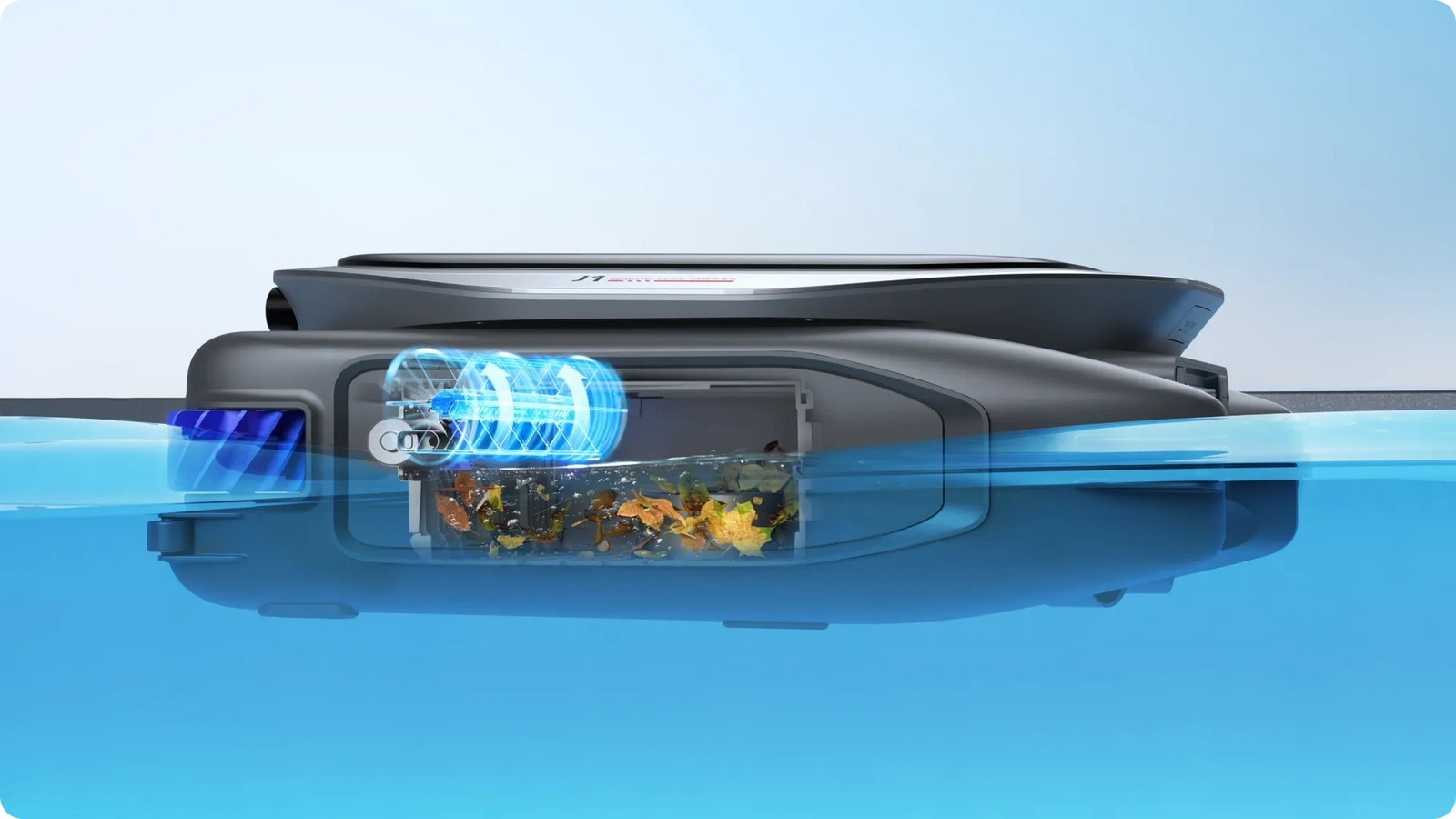
Surface and edges
The J1 floats and draws loose leaves and insects into its basket. Its waterline mode follows the pool edge from the surface.
Dreame Z1 for routine scrubbing
The Z1 is the one I’d start with if sand, dirt and sunken leaves make up most of the mess. It has the same rated pump flow and 180-micron filter as the Pro, and its four modes cover the floor, walls, waterline or a full cycle.
- Rated pool area up to 1,950 sq. ft. Check the depth and shape, too, particularly if you have a tight corner or steep transition.
- Onboard and app controls. Pick the mode before submerging. The included hook is useful for retrieval if the robot is out of reach.
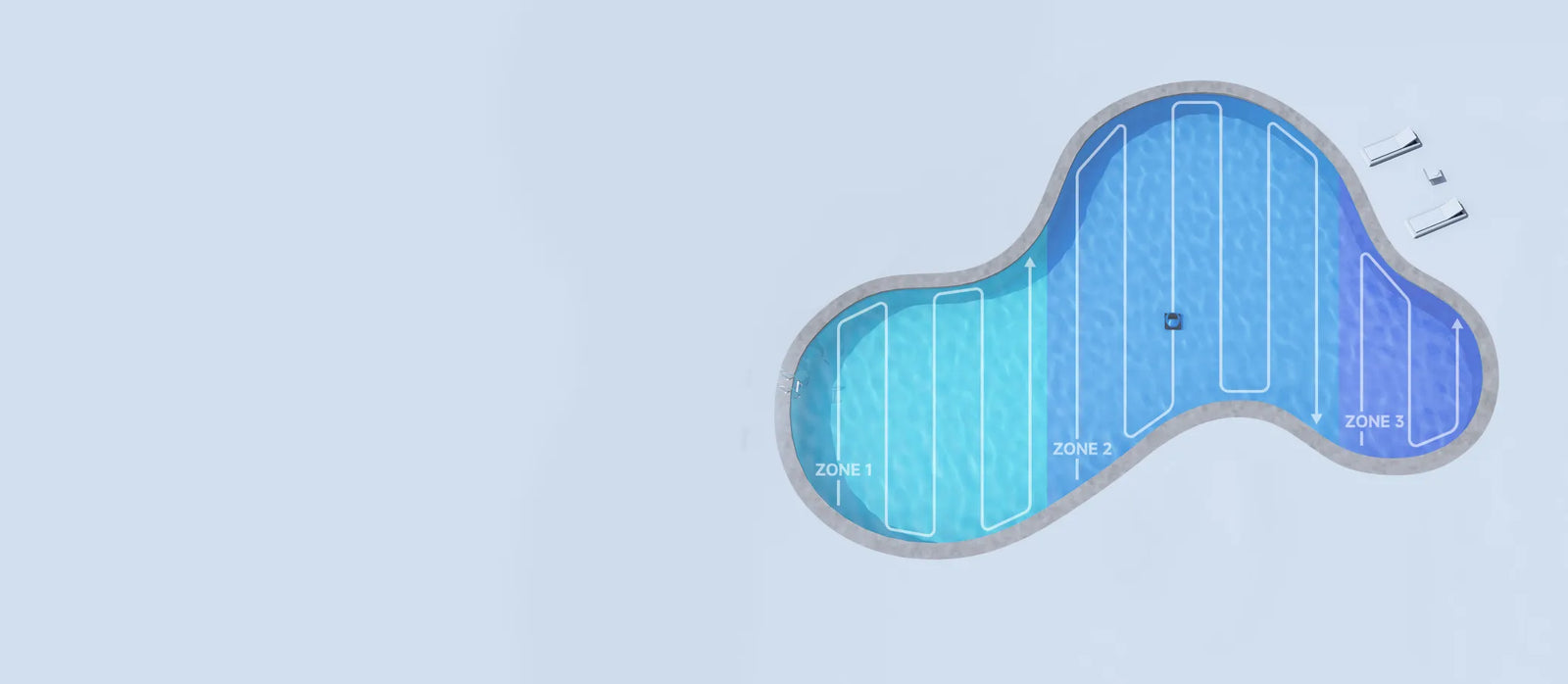
Dreame’s route illustration shows how the Z1 divides an irregular pool into zones. The route diagram gives a sense of the pattern. Actual coverage depends on the pool.
Dreame Z1 Pro for a shallow shelf or remote control
The Pro raises Dreame’s stated cleaning area to 2,160 sq. ft., about 11% more than the Z1. Its biggest everyday changes are the ability to send commands while the cleaner is underwater and Dreame’s stated support for tanning ledges.
If your pool already fits the Z1 and you’re happy with automatic cycles, the two models share the same rated pump flow and scrub the same main surfaces. The Pro earns its upgrade when you’ll use its extra reach, shelf support or remote.
What the LiFi remote does
From the deck, you can direct the Pro toward a missed spot, pause a run or recall it for pickup. LiFi uses light for that underwater connection. Aim at the robot and allow for repeat attempts if it doesn’t respond immediately.
Dreame J1 for floating leaves and bugs
The J1 is a robotic pool skimmer for the things you’d usually scoop with a net. The U.S. manual lists a 5 L basket and separate surface, waterline and combined modes. It can run alongside either Z1 model if you regularly deal with debris both above and below the waterline.
Sunlight helps the J1 stay charged. If trees, a roof or a pool cover shade most of the water, plan to use the supplied charger as needed.
Dreame lists the J1 in its U.S. Yard Care collection. At our check, its standalone store URL led back to that collection.
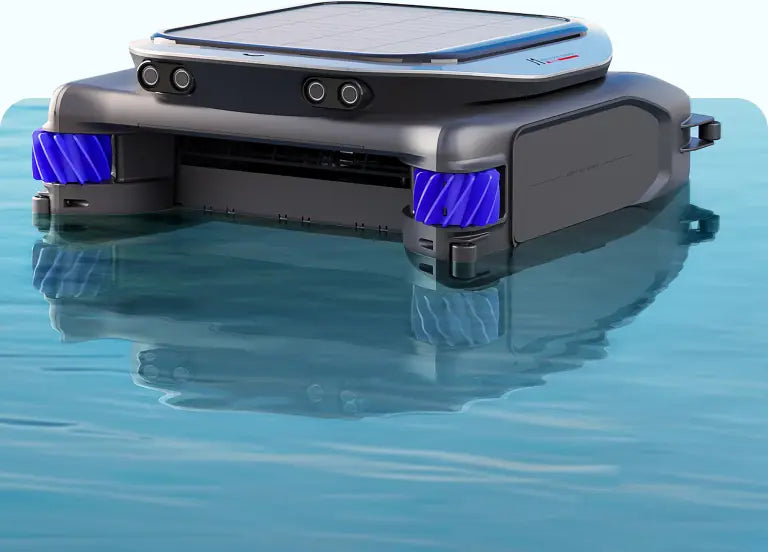
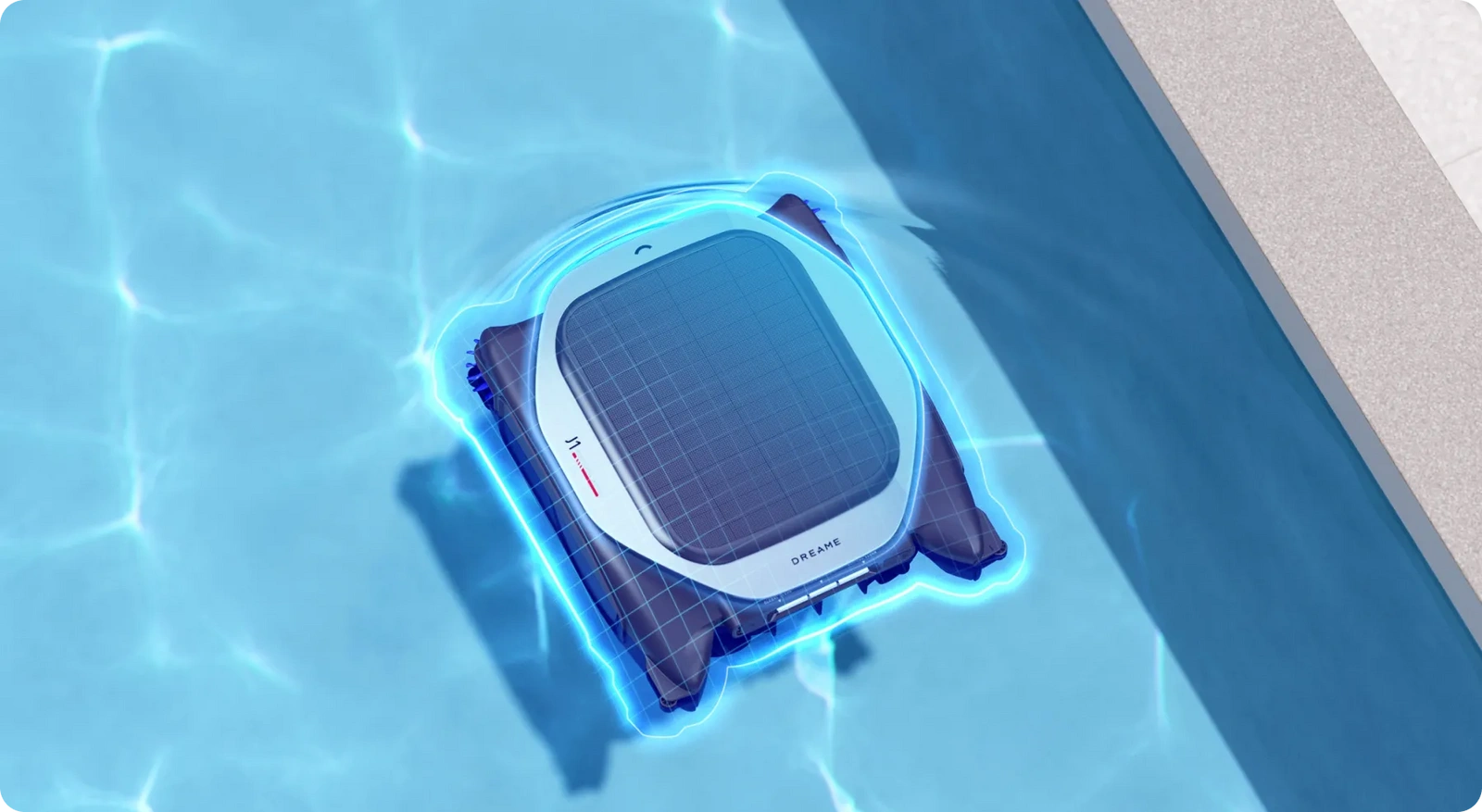
Dreame places the J1’s solar panel on top, where it can use sunlight as the skimmer crosses the pool.
Check the pool before you choose
- Measure water depth and note the shallowest shelf. Dreame’s Z1 series FAQ gives a general operating depth of 0.5–2.5 m, about 1.6–8.2 ft. Ask about your exact shelf depth if ledge cleaning will decide the purchase.
- Look at the walls and corners. Dreame’s FAQ flags very dark and highly reflective surfaces as possible mapping problems. Leave room for manual touch-ups where steps or corners are hard to reach.
- Plan the pickup and recharge. Choose a spot where you can lift the cleaner, drain it and clean out the basket. Dreame advises removing the Z1 series after a run. Its comparison table gives about four to six hours for a recharge.
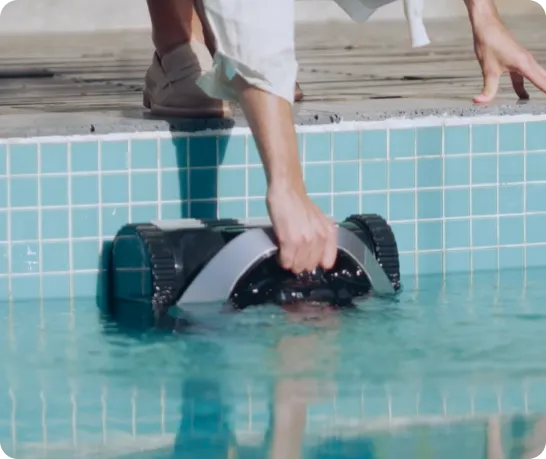
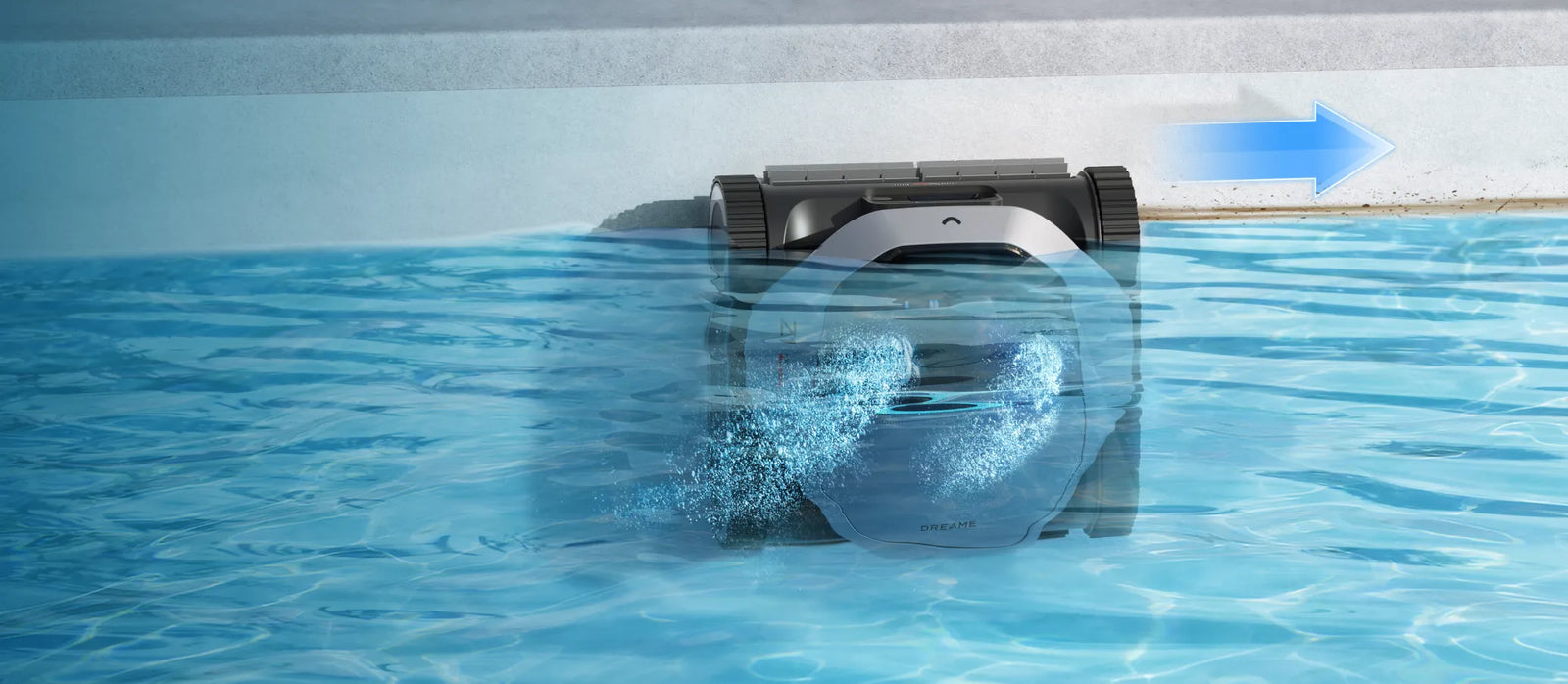
A Z1 Pro parked at the waterline for retrieval.
What hands-on reviewers saw with the Z1 Pro
PCWorld, June 2025. Its reviewer found the robot’s cleanup improved considerably after a firmware update. Even after the update, the robot moved slowly and left some debris around the steps.
Android Authority, April 2025. The reviewer found the optical remote handy for underwater commands, but sometimes needed several attempts to get a response. The magnetic charger was convenient and took several hours to refill the battery.
Those findings describe the test pools and firmware used at the time. Our model comparison draws on Dreame’s U.S. specifications and manuals alongside the two published tests. Product imagery is from Dreame.
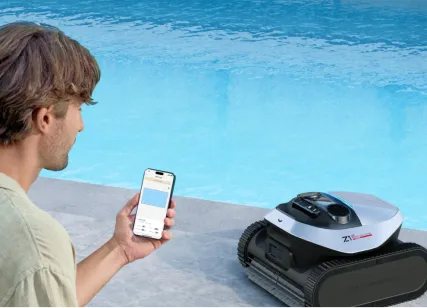
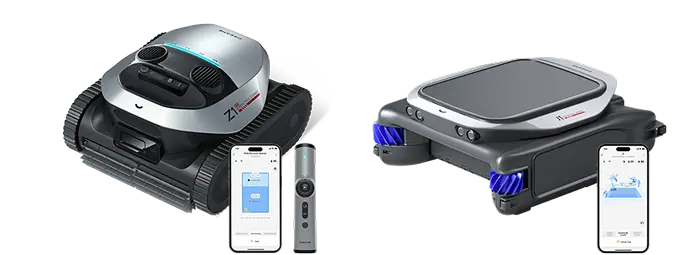
The Dreamehome app is useful for choosing modes and reviewing runs when the robot can connect.
When two robots make sense
If you skim leaves every morning and still find grit on the floor by evening, the J1 and a Z1 series cleaner can handle separate jobs. Either Z1 model is a sensible first purchase if most of the debris sinks. The J1 makes more sense on its own when you already have a way to clean the floor and walls.
Dreame robotic pool cleaner FAQs
What’s the difference between the Dreame Z1 and Z1 Pro?
Both are rated at up to 8,000 GPH and clean the floor, walls and waterline. The Pro adds the LiFi remote, support for tanning ledges and a larger rated cleaning area of 2,160 sq. ft. versus 1,950 sq. ft. for the Z1.
Can I use a Dreame robotic pool cleaner in an above-ground pool?
Dreame lists the Z1 and Z1 Pro for compatible above-ground and in-ground pools. Check your pool’s depth, liner and wall shape against the manual, especially if it has a sloped transition or a soft wall.
Can the J1 vacuum the bottom of a pool?
The J1 floats and collects debris from the surface and edges. For grit on the bottom or buildup on the walls, choose a Z1 series cleaner.
How long do the Z1 and Z1 Pro run?
The advertised runtime is around three hours. Dreame’s Z1 fine print describes its longer runtime in ECO floor mode. Pool shape and the cleaning mode can change how much of the pool one cycle covers.
Do the Z1 and Z1 Pro work in saltwater pools?
Dreame lists both models for saltwater pools within its operating limits, including up to 5,000 ppm salt. Check your model’s manual for its water conditions and rinse the cleaner after use.
Can the app steer the robot underwater?
Normal app connectivity drops when the Z1 or Z1 Pro is submerged. Set the mode before putting the robot in. The Pro’s separate LiFi remote can send commands underwater, including recall.
Which Dreame pool robot should you buy?
For most buyers choosing between the two scrubbing robots, the Z1 is the better starting point. Choose the Z1 Pro if you need the rating for a bigger pool, have a suitable sun shelf, or want to call the cleaner back with a remote. Put the J1 first when floating debris is the chore you need to solve.