
DREAME · ROBOT VACUUM & MOP
Dreame L10s Ultra Gen 2 Review
Extending mops, everyday pickup, and a dock that handles the messy part. A closer look at what the L10s Ultra Gen 2 does, and the details to check for your floors.
By KitchLit · Updated November 17, 2026
Availability: Dreame’s US store currently lists this model as sold out. Check the latest status before planning a purchase.
We may earn a commission through links on this page.
Key takeaways
1
Mopping is the main draw
Two rotary pads, an extending edge mop, and adjustable water flow make this a compelling design for regular hard-floor upkeep.
2
The dock takes over recurring chores
Dust emptying, mop washing, warm-air drying, and automatic refilling reduce daily handling. Tanks and the washboard still need care.
3
Check rugs, space, and stock
The 10.5mm mop lift has limits, the dock needs operating clearance, and US availability should be checked before buying.
Is the Dreame L10s Ultra Gen 2 worth it?
The L10s Ultra Gen 2 makes the most sense for a home with washable hard floors, regular crumbs or pet hair, and a few rugs that can be managed through the app. Its strongest argument is the combination of edge-reaching rotary mops and an automated cleaning dock.
We would put that everyday convenience ahead of the headline suction figure. The extending mop is useful in principle because the strip beside a cabinet is exactly where a round robot can leave work behind. Automatic mop washing and drying also make scheduled mopping easier to keep up with.
Our view: a promising fit for routine floor maintenance if you are comfortable cleaning tanks and replacing consumables. Check rug clearance and current US availability before choosing it. For the wider lineup, see our Dreame review and buying guide.
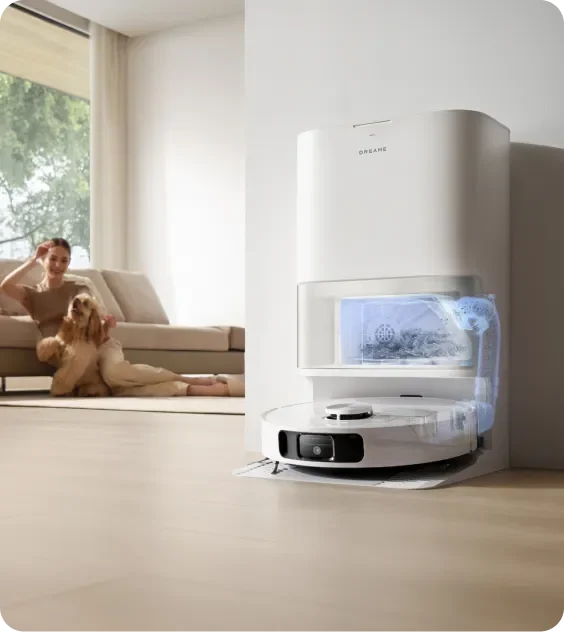
What stands out
- Extending mop coverage around edges and low overhangs.
- Dual rotary pads with 32 selectable water levels.
- Dock automation for both dry debris and mop care.
- Room maps, schedules, and carpet-specific settings.
What to weigh up
- A 10.5mm lift will not clear every rug.
- Dock automation still requires regular dirty-water and tray care.
- The TriCut brush is a separate accessory unless your exact offer includes it.
- Dreame’s US listing was sold out at this update.
L10s Ultra Gen 2 at a glance
The specifications matter most when connected to your floor plan, rug pile, and willingness to maintain the dock.
| Feature | Dreame’s US specification | What it means at home |
|---|---|---|
| Maximum suction | 10,000Pa | A manufacturer lab maximum; it does not measure pickup performance by itself. |
| Mopping | Dual rotary pads, MopExtend RoboSwing, 32 water levels | Extending edge coverage and adjustable moisture for suitable sealed hard floors. |
| Mop lift | 10.5mm (about 0.41in) | Check rug pile and fringe; use carpet avoidance where pad clearance is insufficient. |
| Dock automation | Dust emptying, mop washing, warm-air drying, solution dosing, water refilling | Less routine handling, with tank, tray, filter, and brush care still required. |
| Water / dust capacity | 4.5L clean-water tank; 3.2L dock dust bag; 300mL robot bin | Refill and empty tanks as needed; bag life varies with debris and frequency. |
| Navigation | LDS laser navigation and 3D line-laser obstacle sensing | Map rooms, set boundaries, and clear cords and small hazards before cleaning. |
| Battery / claimed runtime | 5,200mAh; up to 240 minutes in Quiet vacuuming mode | Higher suction, mopping, floor layout, and dock visits change real-world duration. |
| Robot size | 13.78 × 13.78 × 3.83in (350 × 350 × 97.2mm) | Measure furniture clearance against the robot’s full height. |
| Dock size | 17.99 × 13.39 × 23.25in (457 × 340 × 590.5mm) | Allow extra operating space and room to lift the water tanks. |
| Threshold rating | Up to 0.78in (20mm), under Dreame’s test conditions | Threshold shape, grip, and approach can change whether the robot crosses. |
| App connection | Dreamehome; 2.4GHz Wi-Fi | Use room maps, schedules, water settings, and no-go zones. |
| Optional items | TriCut brush; water hookup kit where supported | The standard product page lists these separately; confirm the exact US bundle and compatibility. |
Figures above are Dreame’s published specifications and lab claims, rather than KitchLit test results. This review assesses the product’s design, setup requirements, and likely fit for different homes.
Mopping that reaches beyond the robot
The combination of an extending mop arm and two rotating pads is the central reason to look at this model for hard-floor cleaning.
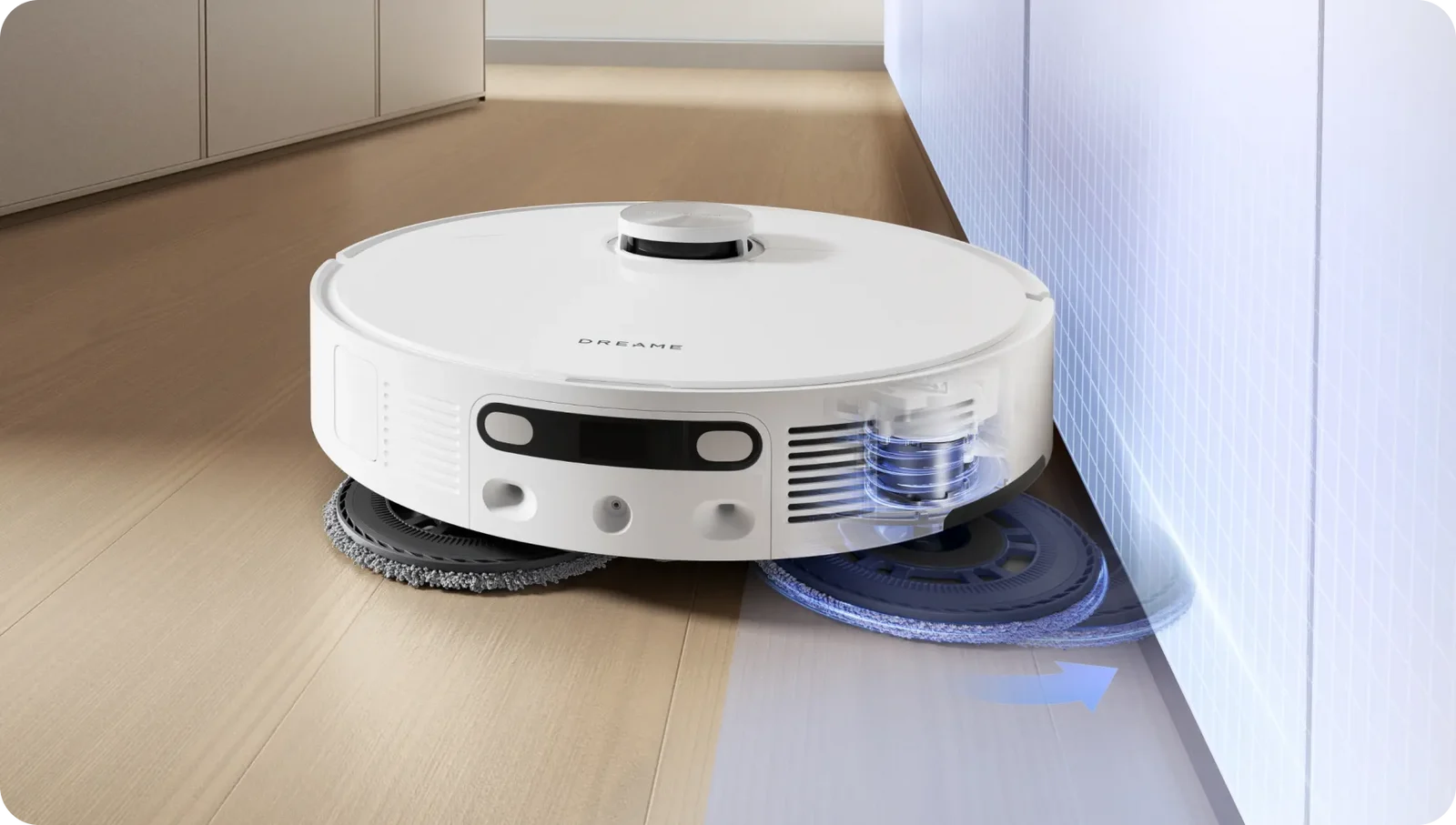
MopExtend RoboSwing: closer to edges
One mop extends outward so it can follow skirting boards, work around furniture legs, and reach beneath shallow cabinet overhangs. Dreame quotes up to 4cm, about 1.6 inches, of reach into suitable low-profile spaces under its test conditions.
That reach describes the mop’s movement. The robot itself is still 3.83 inches tall, so measure under-furniture clearance separately. Edge coverage will depend on the layout and obstacles.
DuoScrub: two pads doing the scrubbing
Two rotary mop pads press against the floor as they turn. The design adds movement to the wipe, which is the useful distinction from a robot simply dragging a damp cloth behind it.
Use it for regular upkeep on floors approved for damp mopping. Dried-on marks may need a repeat pass or manual attention; check your floor maker’s guidance before choosing a water setting.
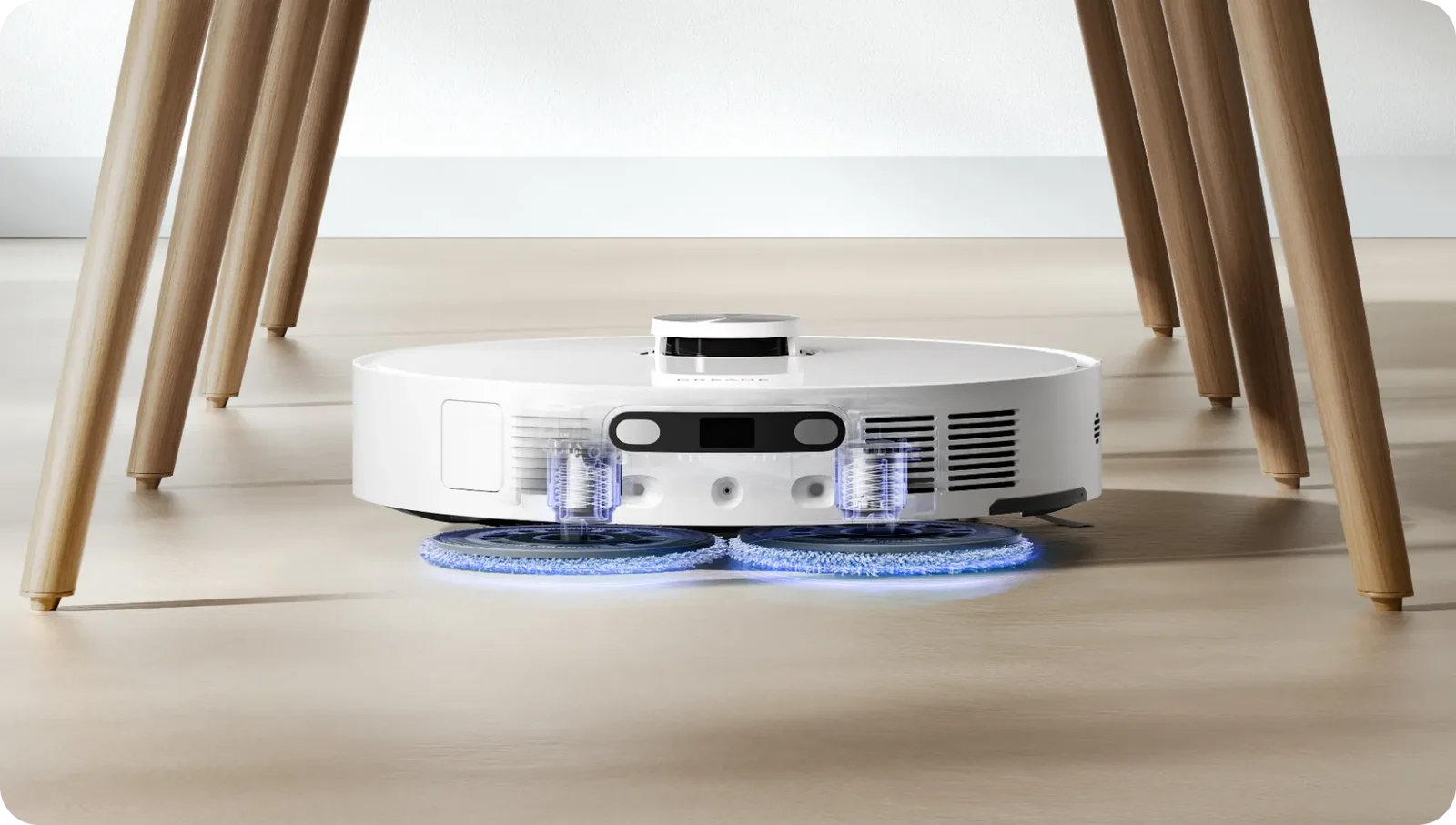
Pickup power, with a practical hair-care option
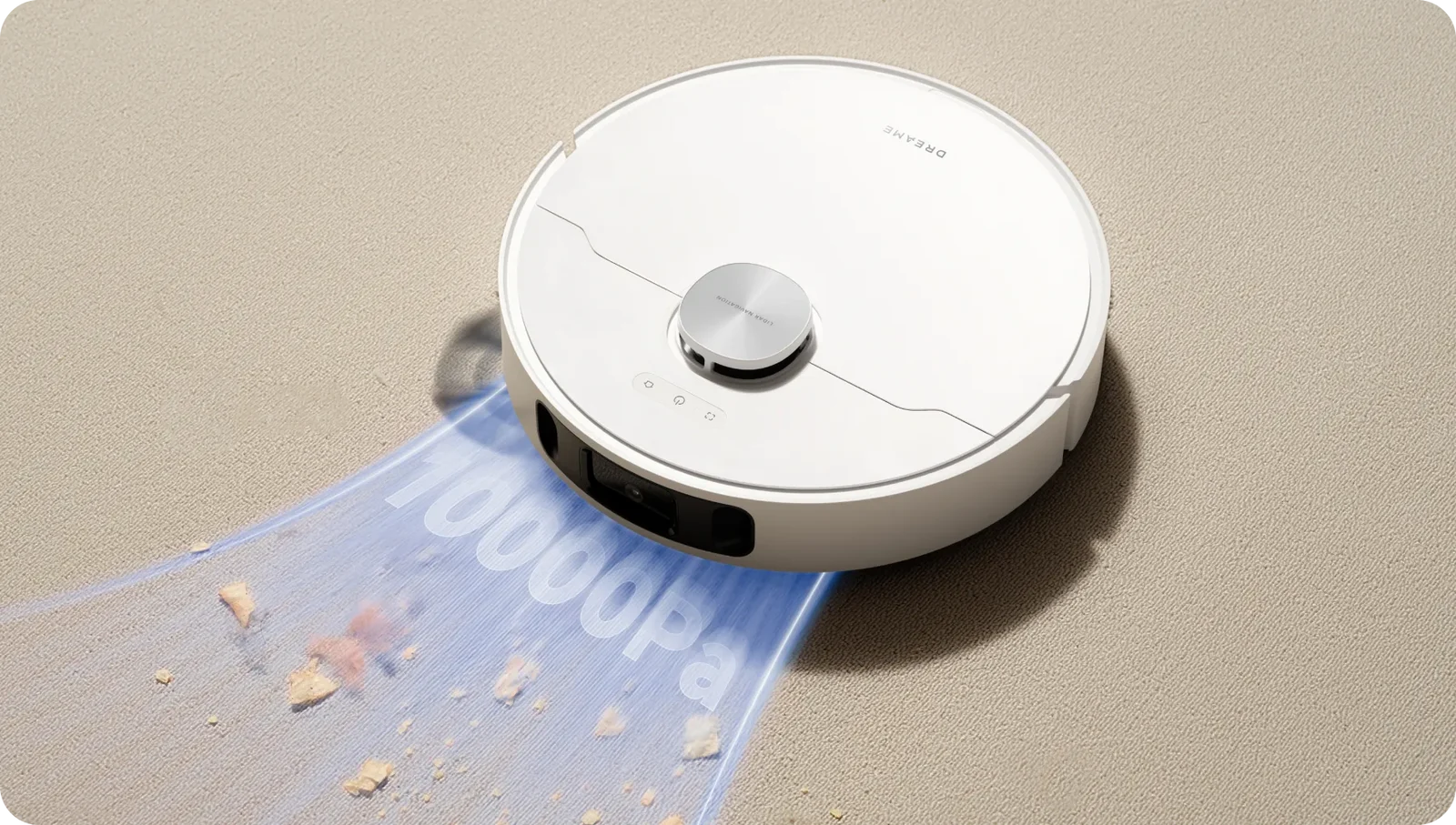
10,000Pa Vormax suction
Dreame rates maximum suction at 10,000Pa. A floating rubber main brush works with the vacuum to collect loose debris, while the robot can adjust its approach to detected carpet.
The pressure figure is a manufacturer lab maximum. Brush contact, route coverage, floor texture, and the selected mode also affect cleaning, so the number alone cannot tell you how well it will pick up a particular mess.
TriCut brush: check the exact bundle
The optional TriCut brush is designed to cut wrapped hair and send it into the dust box. It may be worth considering in a home with long hair or shedding pets.
Dreame’s feature description lists TriCut as purchased separately. Promotional bundles can change. Confirm what comes with the specific US offer rather than assuming the pictured brush is standard equipment.
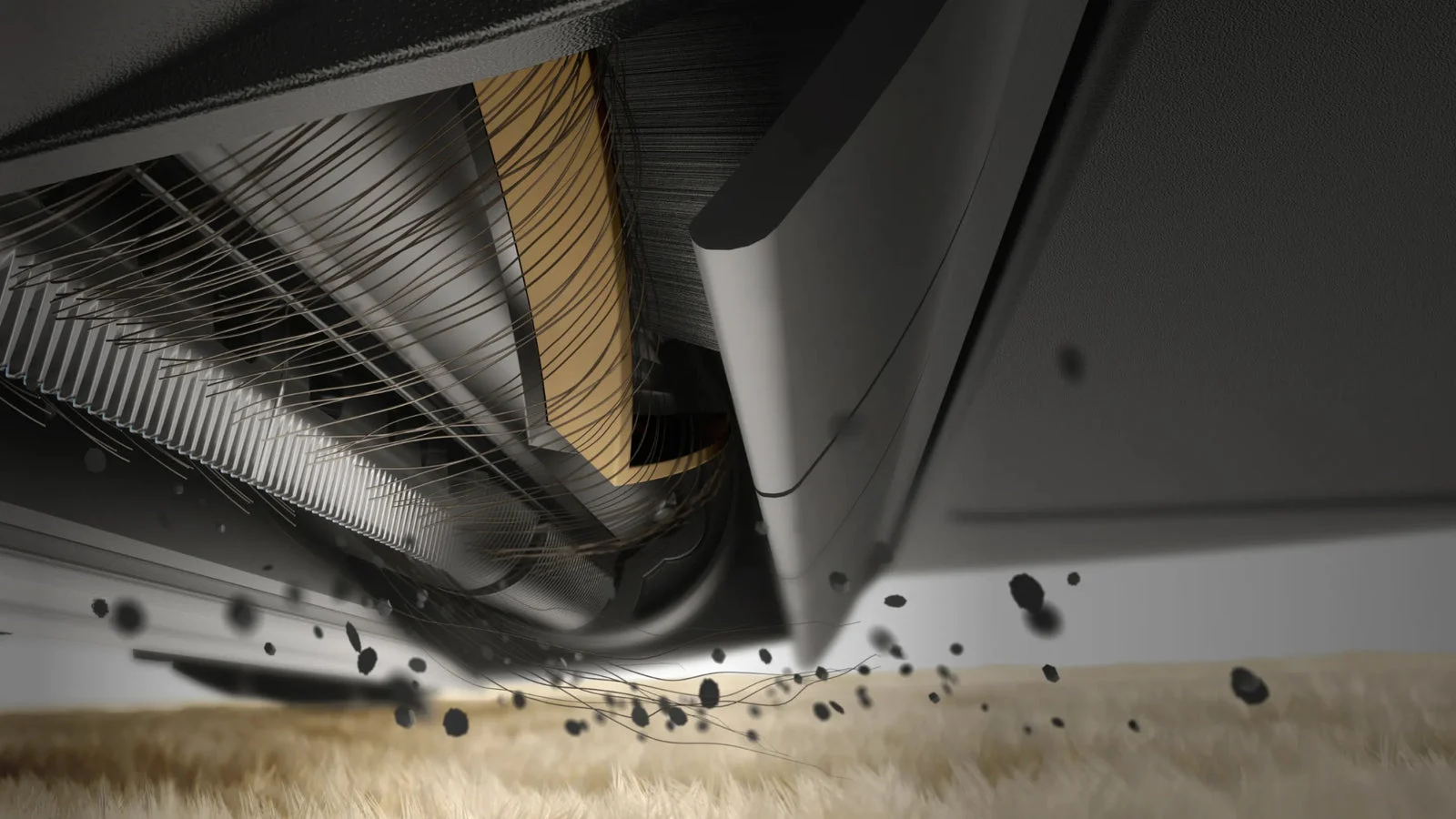
Pet areas and water flow deserve their own settings
Useful pet features are about controlling where, how often, and how wet the robot cleans.
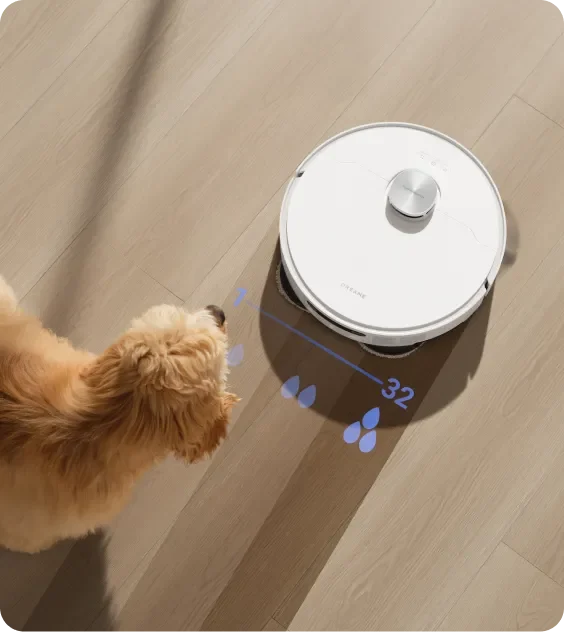
32 levels of water adjustment
Choose a water setting for the floor and the job. Dreame says the robot reduces water discharge around turns and edges and can adjust moisture for quicker drying. Start conservatively and follow your flooring instructions.
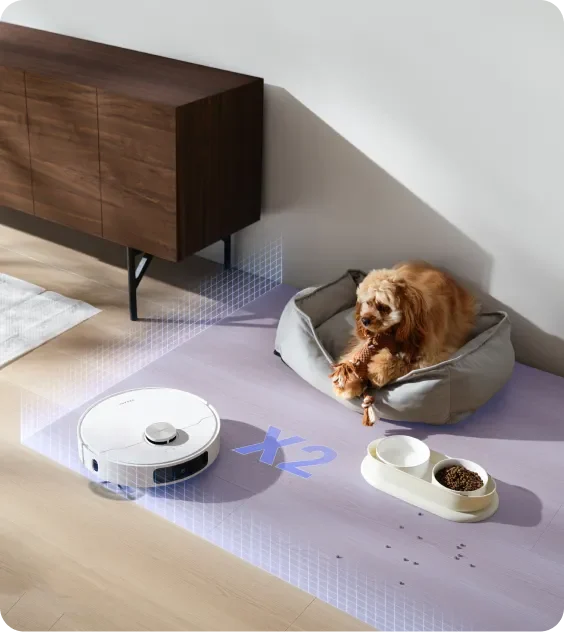
A closer pass around pet furniture
Add pet furniture in Dreamehome to target those areas. In pet care mode, Dreame describes cleaning around pet areas twice. Keep bowls and loose toys out of the route or protect them with no-go zones.
Pet-friendly does not mean leave every mess to the robot. Inspect the floor first and remove pet waste, spilled liquids, cords, and small hazards before starting an unattended run.
Choose a carpet strategy for each rug
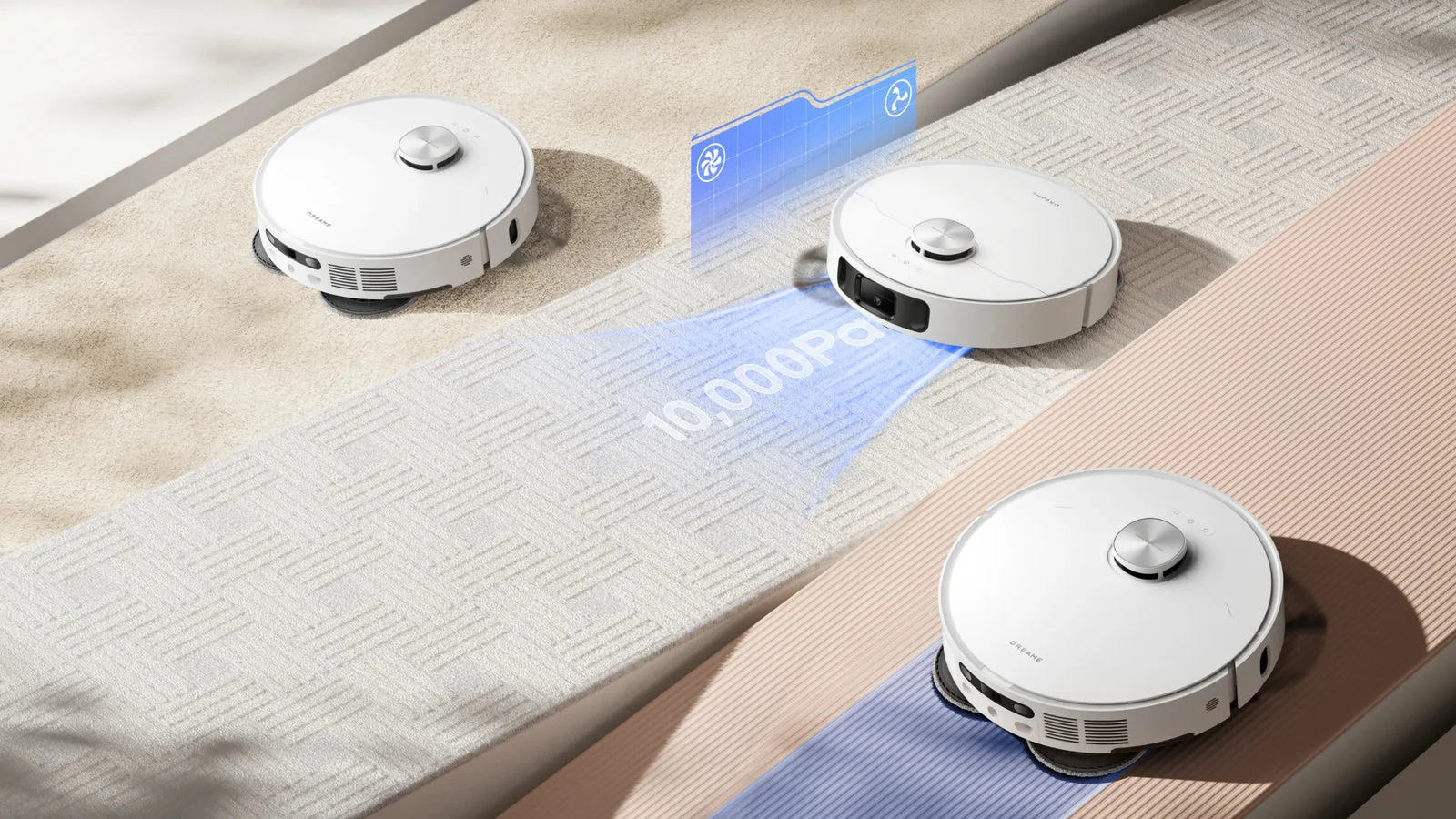
A choice of routes, rather than one carpet rule
The available approaches include mop raising, intensive carpet cleaning with suction boost, vacuum-and-mop settings, carpet avoidance, and prioritizing carpets before other areas.
Use the combination that suits each room. A thin mat and a thick bedroom rug should not automatically receive the same mopping route.
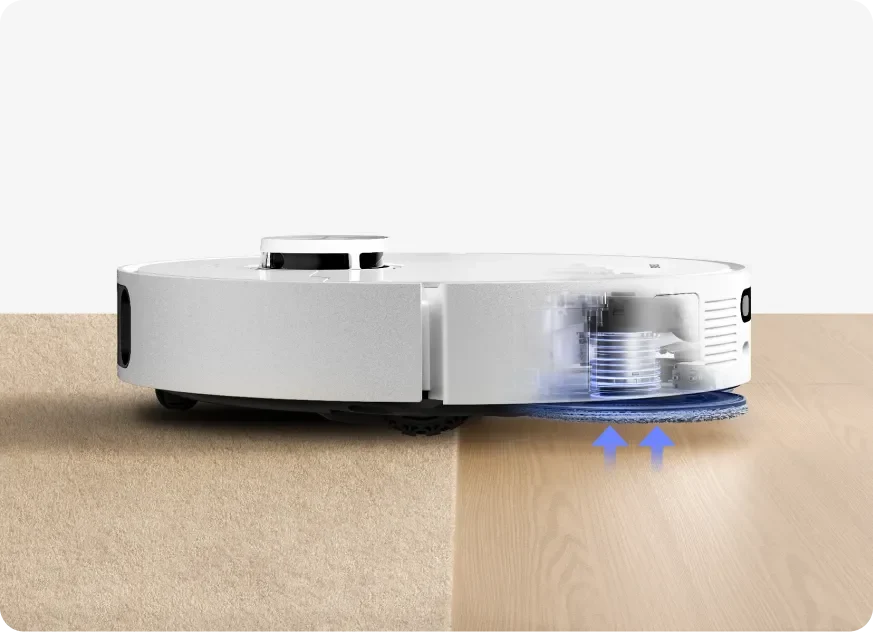
10.5mm mop raising
The pads lift by a claimed 10.5mm, about 0.41 inches. That is a clearance limit, not an assurance that every carpet stays dry. For tall pile, fringe, or a moisture-sensitive rug, use avoidance or a no-mop boundary.
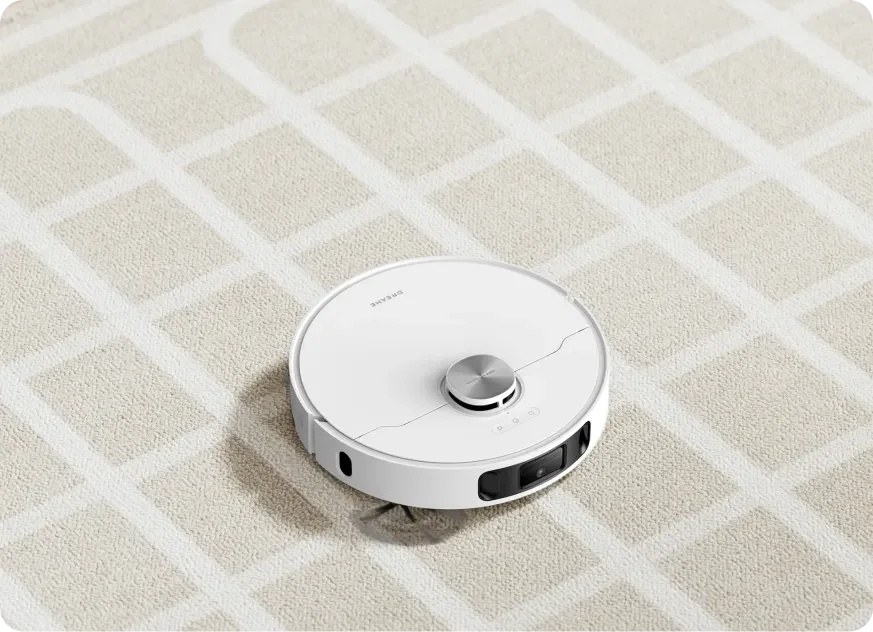
Intensive carpet cleaning
Suction boost gives the robot a different approach on detected carpet. Watch the first run to check that light rugs stay in place, edges do not fold, and the robot can leave the rug reliably.
The dock takes over the repeat jobs
Dry debris and wet mop care meet in one base station. These are separate functions, and understanding each one makes ownership more predictable.
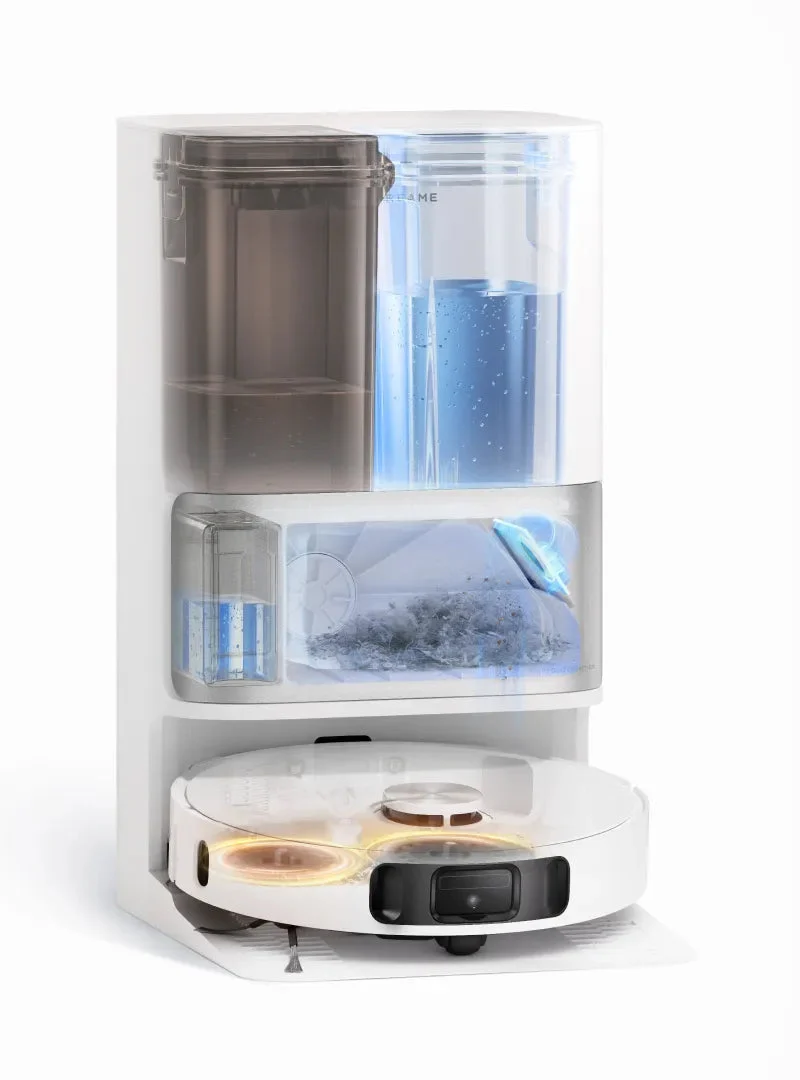
A home base for more than charging
The station empties the robot’s dust box, washes and dries the mop pads, adds cleaning solution, and refills the robot’s water supply. The clean-water tank holds 4.5 liters.
You still refill the tank, empty used water, clean the washboard, and inspect brushes and filters. Those jobs are the trade-off for automating the cleaning run itself.
One important distinction: this listing specifies warm-air mop drying. It does not advertise heated mop-washing water, so those are not interchangeable claims.
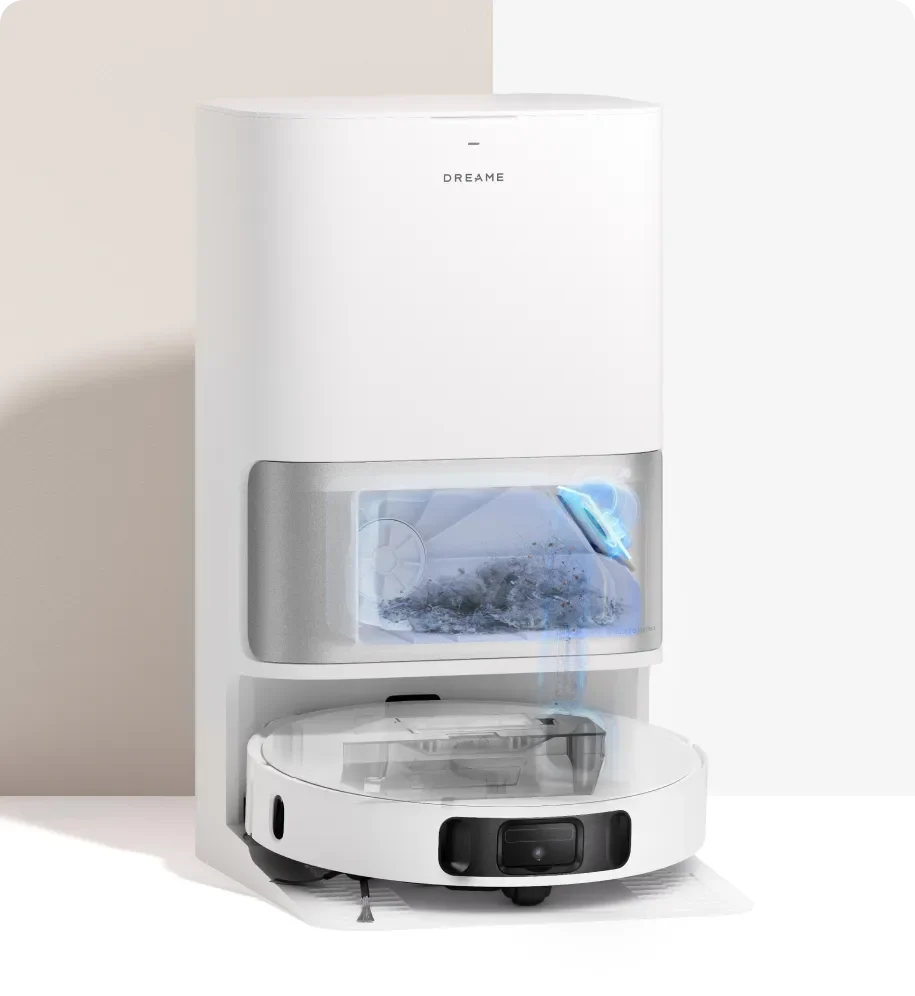
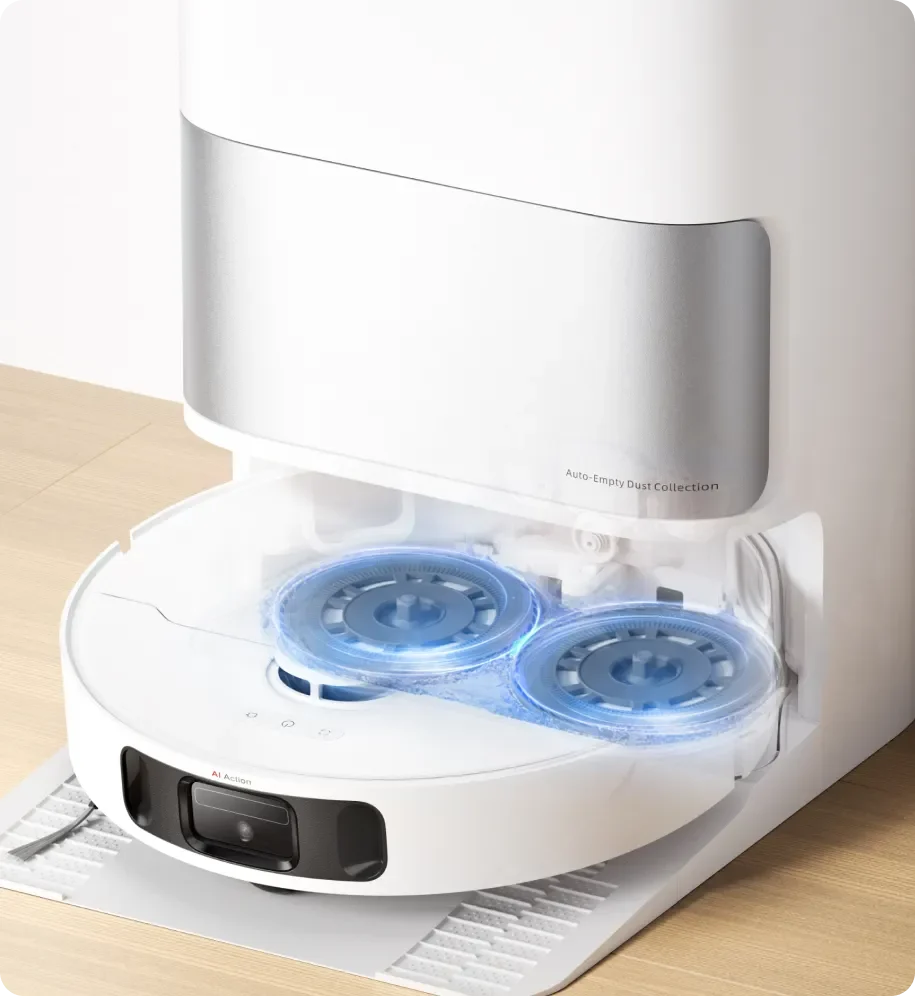
1. Dust empties into a bag
A 300mL onboard dust box transfers debris to a 3.2L bag in the dock. Dreame’s “up to 75 days” claim depends on its test conditions; shedding pets and frequent use can mean earlier changes.
2. Mop pads get washed
The station washes the pads automatically as part of the cleaning routine. Inspect the washboard and dirty-water system regularly so debris does not accumulate around the cleaning area.
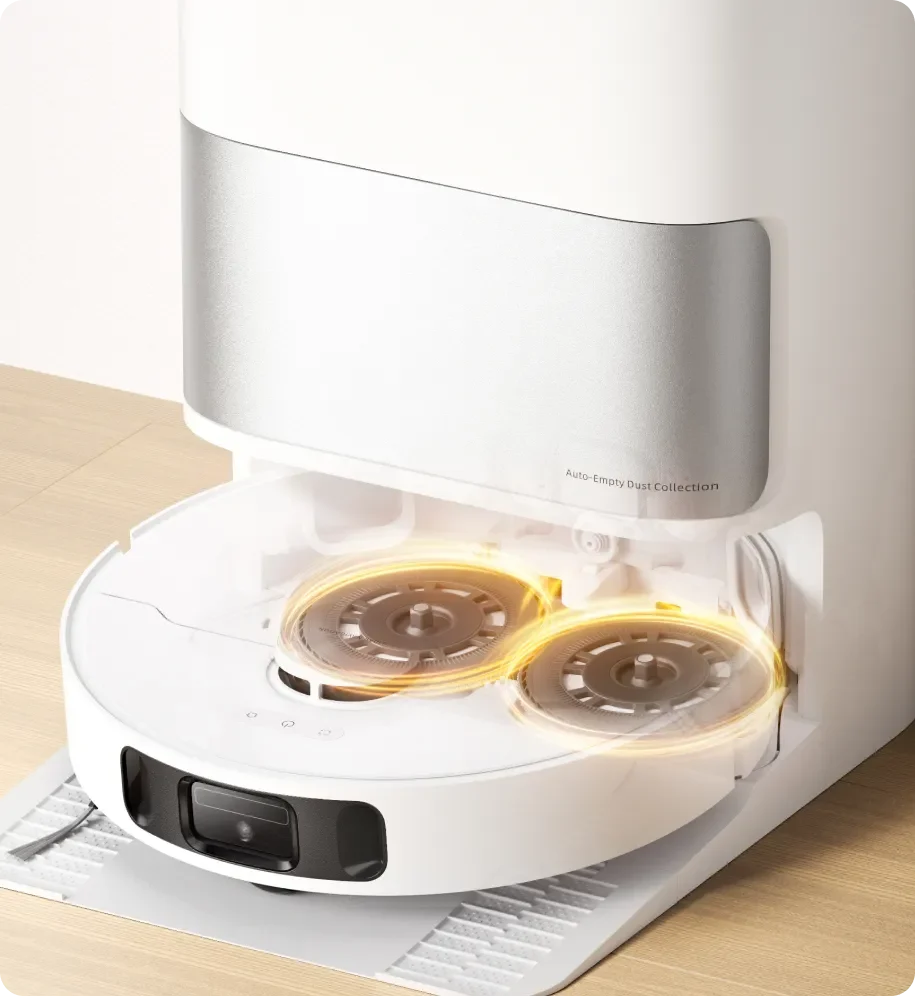
3. Warm air dries the pads
A warm-air drying cycle helps reduce lingering dampness after washing. Allow it to finish and keep the dock ventilated; drying does not remove the need to clean or replace worn pads.
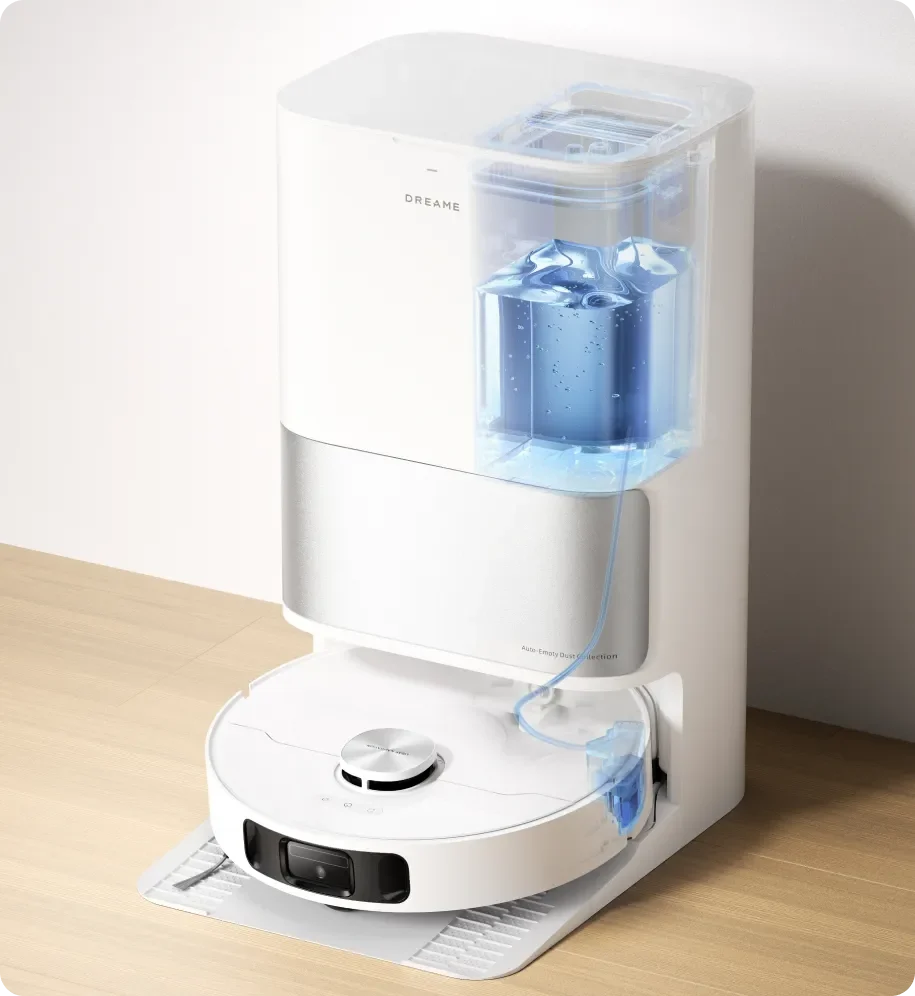
4. Water refills automatically
The dock transfers water from its clean-water tank to the robot during use. The tank still needs manual filling unless a compatible optional hookup kit is installed.
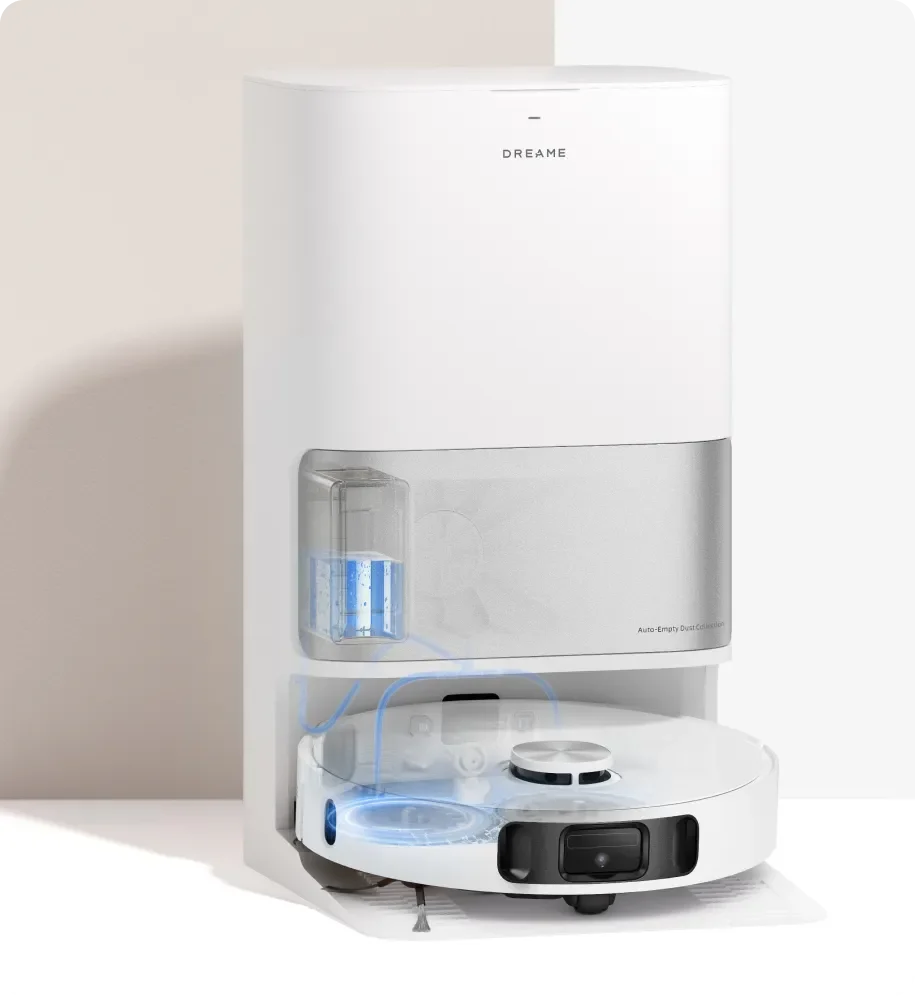
5. Solution is dosed for you
The detergent compartment automatically adds cleaning solution. Use the cleaning fluid specified for the machine and follow the US manual’s filling instructions.
About the water hookup kit: Dreame lists an optional refill-and-drain kit and says support varies by region. Check US model compatibility, kit availability, and installation requirements before planning a plumbed setup.
Mapping is useful. A prepared floor still matters.
LDS laser navigation and 3D line-laser obstacle sensing help the robot plan routes and respond to objects.
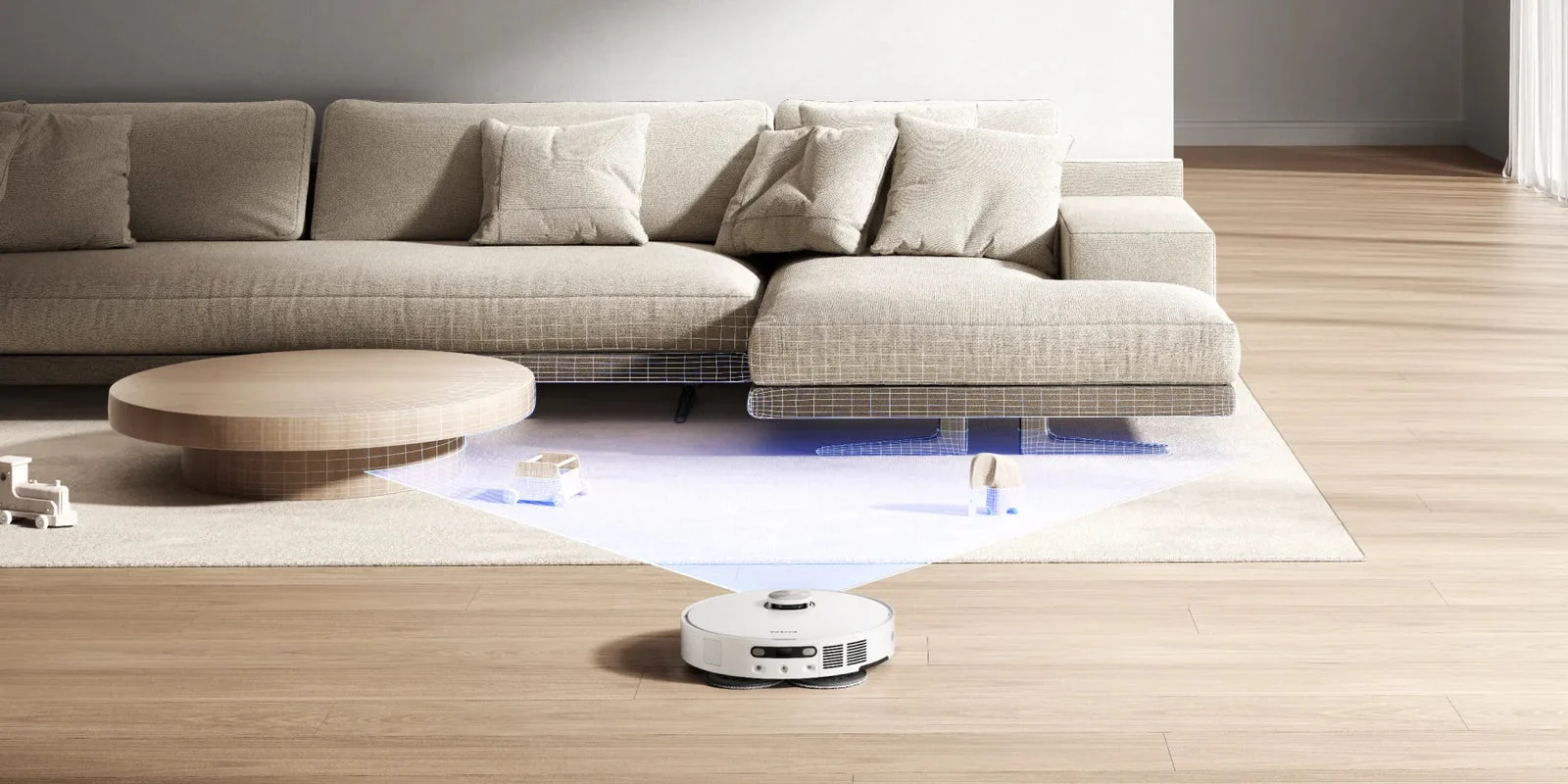
Dreame’s navigation illustration shows the robot working around a furnished living room.
Map once, refine the rooms
Smart Pathfinder and 3DAdapt are Dreame’s names for its route planning and obstacle-handling systems. Build the map with doors open, then check room boundaries before setting a whole-home schedule.
Give obstacle sensing a sensible start
Pick up cables, socks, small toys, and fragile items before cleaning. Treat obstacle detection as assistance rather than a guarantee, especially around low, thin, or unusual objects.
Make the routine fit the room
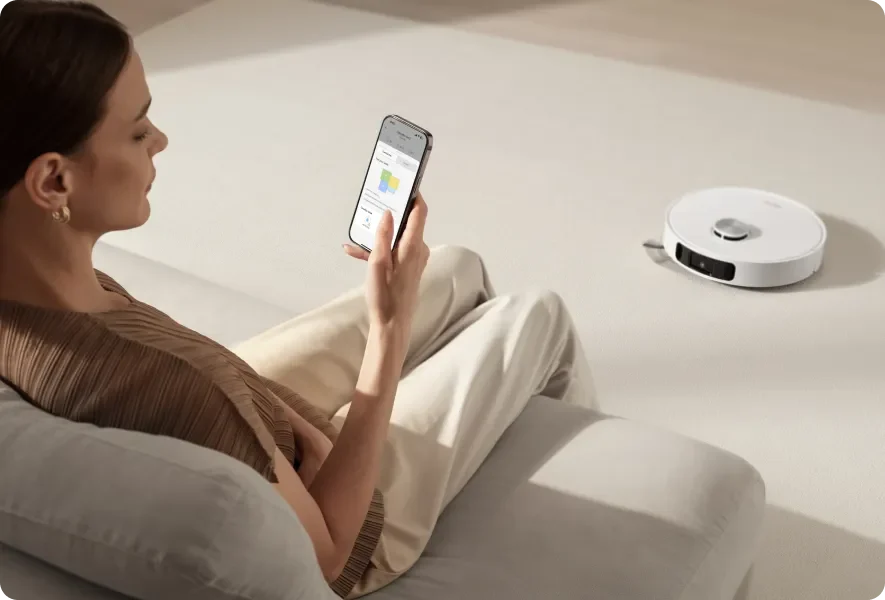
Dreamehome and CleanGenius
The app provides cleaning strategies, room-specific settings, schedules, and cleaning reports. CleanGenius offers tailored approaches such as daily or more intensive cleaning, so a busy kitchen can have a different routine from a quieter room.
The US manual specifies 2.4GHz Wi-Fi. Plan the dock location around both reliable Wi-Fi and easy water-tank access.
A room-by-room view of the home
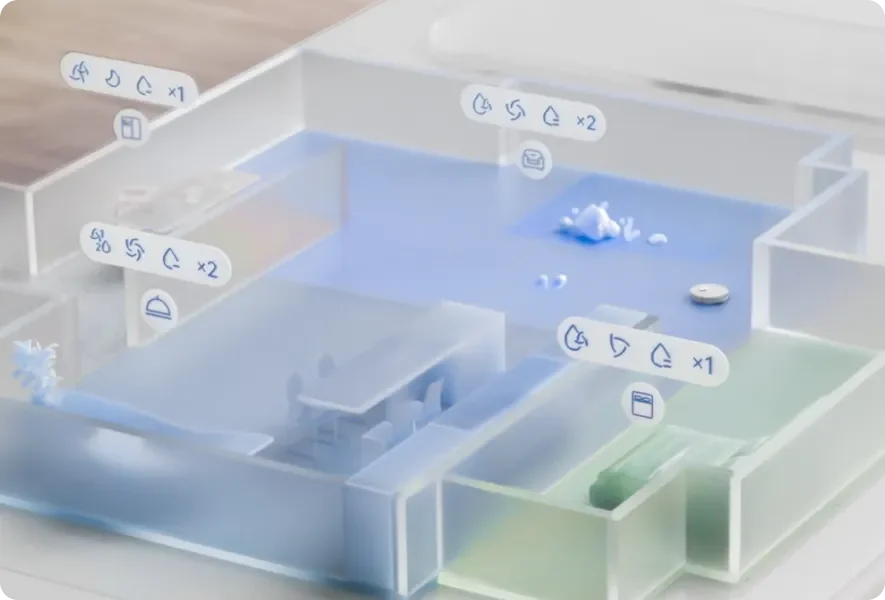
Use the map to choose areas and review where the robot has cleaned. Dreame also describes 3D map interaction and AR furniture scanning, with the latter restricted to compatible iPhone models.
Those extras are secondary to getting the basics right: room divisions, rug areas, and a schedule that fits when the floor is clear.
Crossing ordinary thresholds
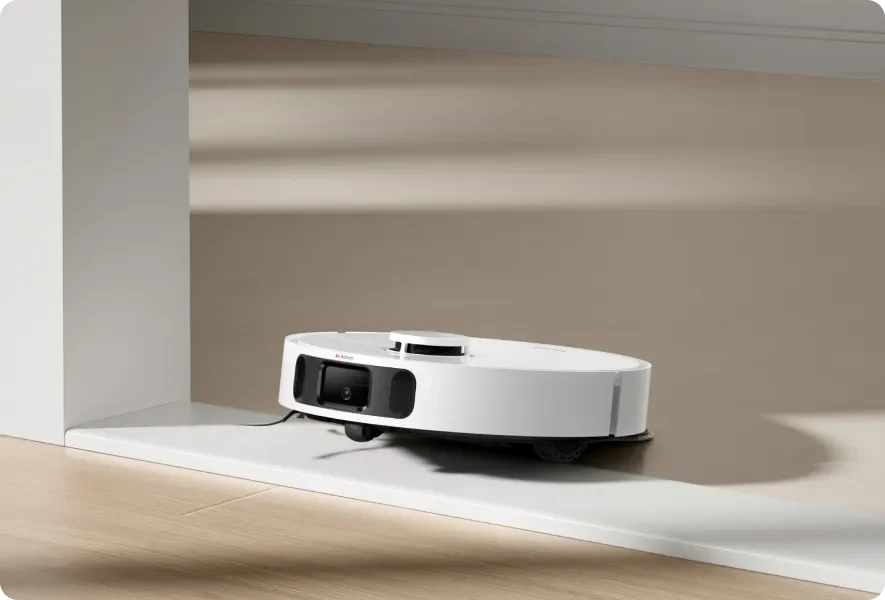
Dreame rates threshold crossing up to 20mm, around 0.78 inches, under lab conditions. Test your actual doorway transitions; height, shape, and traction all matter.
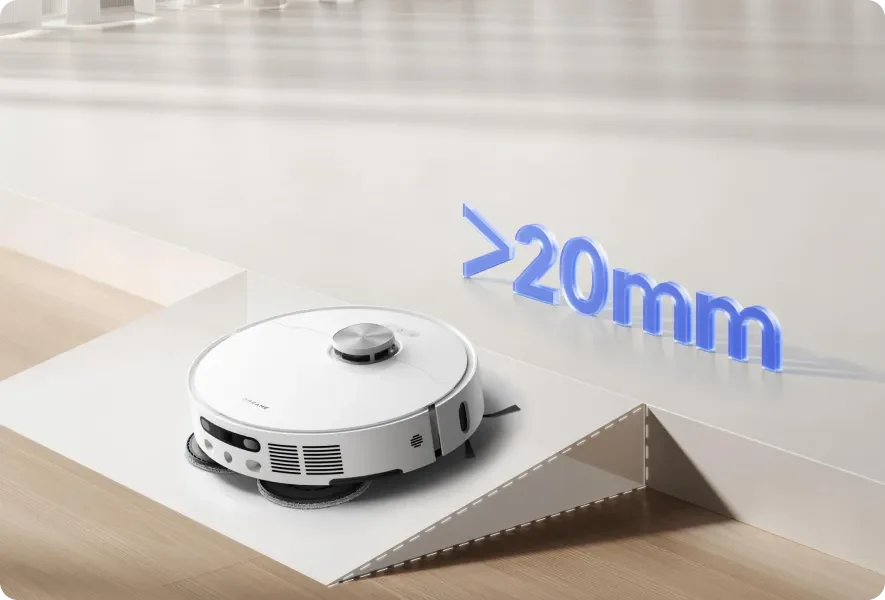
Virtual ramp settings
The app includes virtual ramp settings to help plan routes around suitable transitions. A map setting does not physically change the robot’s clearance or guarantee a higher climb.
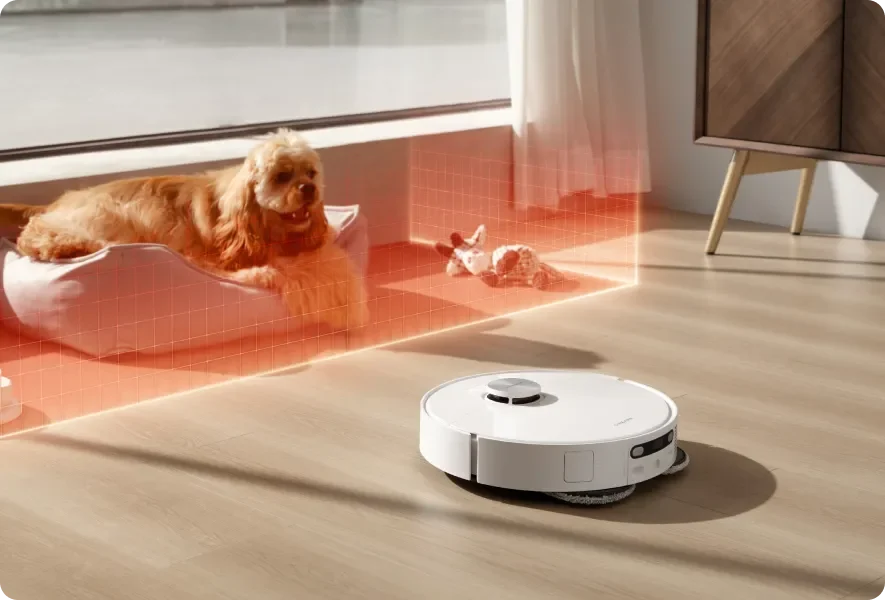
No-go and no-mop zones
Mark off feeding bowls, delicate rugs, and areas you want left alone. Review boundaries after moving furniture or making a substantial change to the room.
Battery life and charging: read the conditions
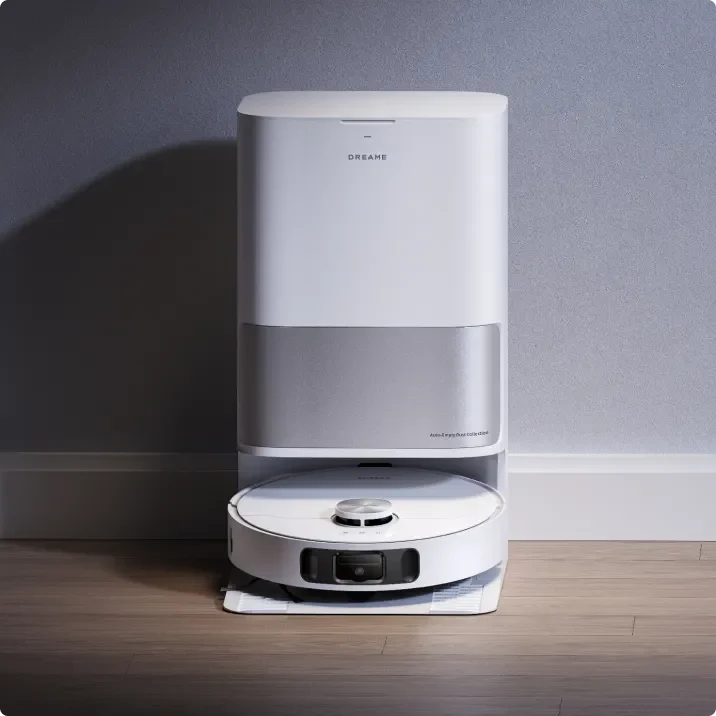
Up to 240 minutes in Quiet mode
The 5,200mAh battery carries a manufacturer claim of up to 240 minutes while vacuuming in Quiet mode. Treat that as a best-case mode-specific figure, rather than a promise for combined high-power vacuuming and mopping.
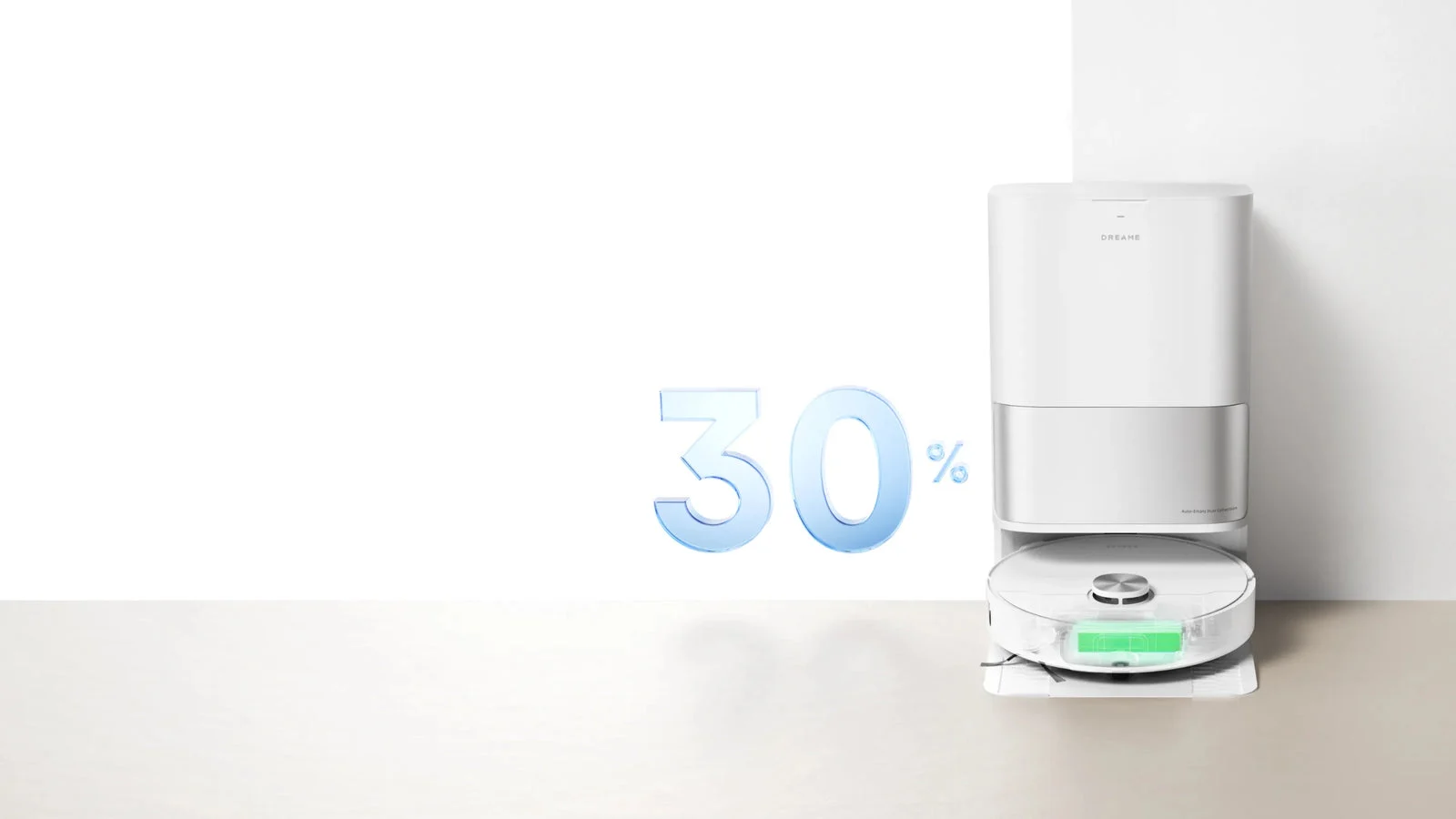
Charging around your schedule
Dreame advertises charging 30% faster than its previous robot models and an off-peak charging option. Savings depend on whether your US electricity plan actually has lower-cost hours.
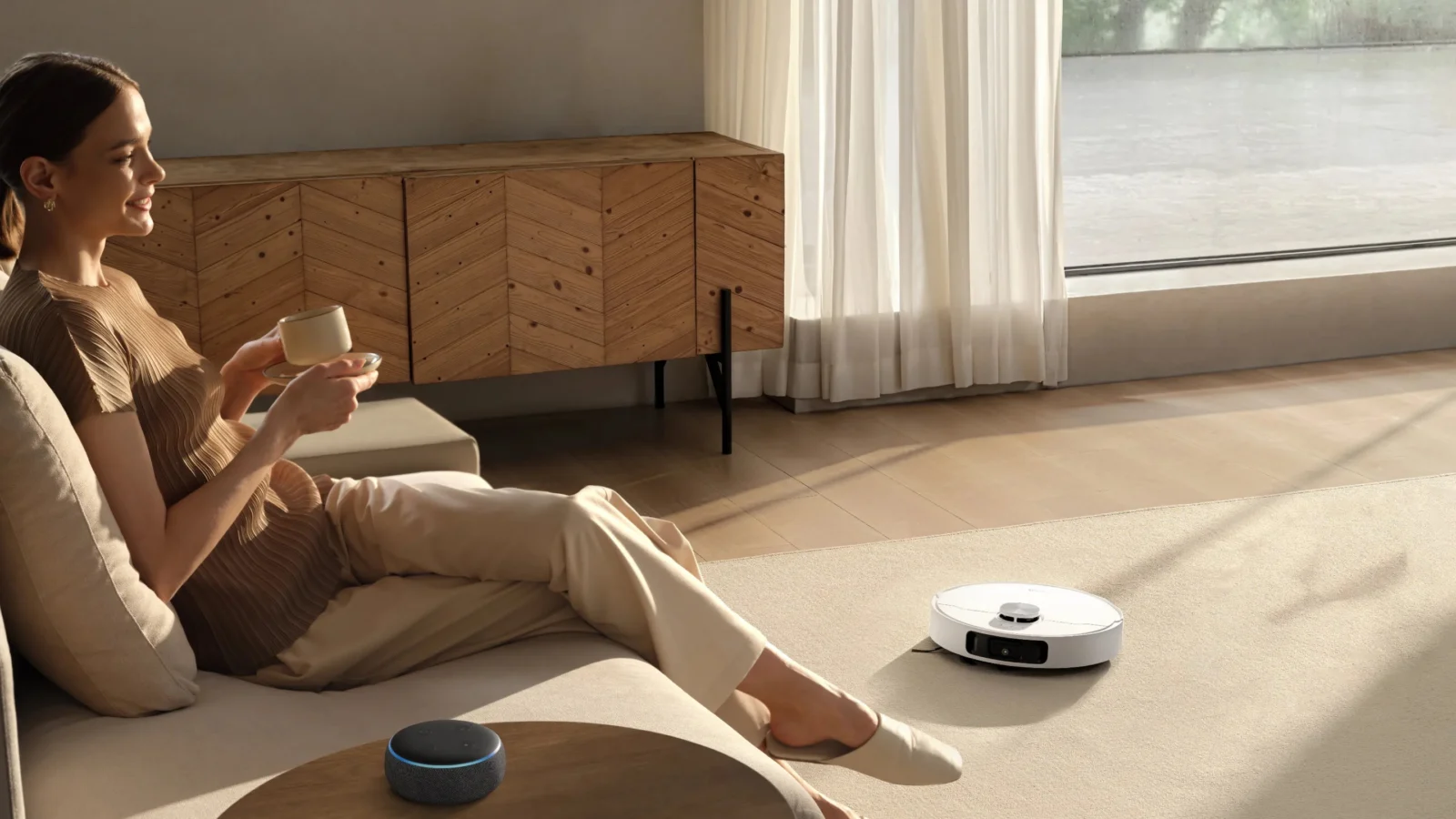
Start a routine with voice control
Dreame lists Alexa, Google Home, and Siri integration. A compatible third-party device or service is required; check the available commands for your setup.
Voice control is convenient for starting a familiar routine. Use the app for the detailed decisions about room boundaries, carpets, water flow, and schedules.
From unboxing to the first clean
See Dreame’s official walkthrough of the robot, dock assembly, app connection, and initial setup.
Official Dreame video, linked by Dreame Support. Packaging and plugs can vary by region; follow the US manual supplied with your unit.
What arrives and what you keep maintaining
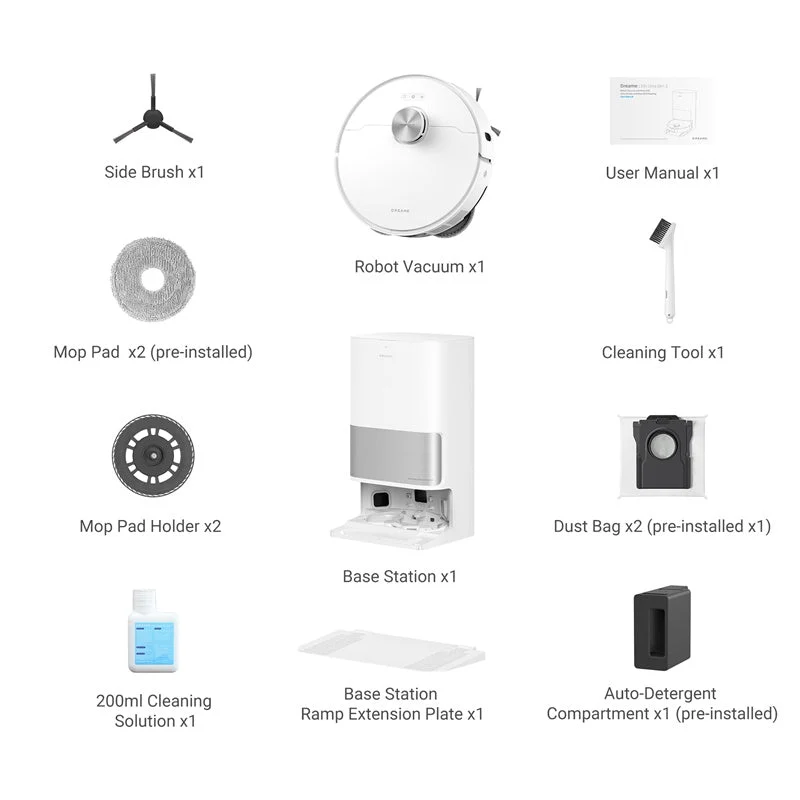
The standard package
Dreame’s package list includes the robot and base station, side brush, two mop holders and pads, detergent compartment, cleaning tool, cleaning solution, ramp extension, manual, and two dust bags with one preinstalled. The US manual also lists the power cord.
Check the current package description when ordering. Promotional extras can change, and the optional TriCut brush and water hookup kit should not be assumed included.
A manageable ownership routine
- Empty and rinse the used-water tank after use.
- Keep the clean-water supply topped up and inspect the washboard.
- Remove wrapped hair and clean filters, wheels, and sensors as instructed.
- Replace bags, filters, brushes, and pads according to condition and the manual.
Measure the dock space first
The dock itself is about 23.25 inches tall. The US manual calls for 60 inches of free space in front and 2 inches on each side; also allow room above to lift the water tanks.
For setup and the maintenance schedule, keep Dreame’s US owner’s manual handy.
Who should compare further? If your priorities are thick rugs, very low furniture, or a more elaborate mop-handling system, compare the exact models rather than shopping by the L10s name alone. Our Matrix10 Ultra review explains its different dock, and our Dreame buying guide puts the wider range in context.
Questions before you choose
Does the L10s Ultra Gen 2 wash its mops with hot water?
The US listing describes automatic mop washing and warm-air mop drying. It does not advertise hot-water mop washing. Warm-air drying is a separate step after washing.
Is the TriCut brush included?
Dreame’s feature description lists it as purchased separately. A promotional offer may add it, so check the exact US bundle at the time of purchase.
Can it vacuum carpet without wetting it?
It has carpet detection, carpet-specific strategies, and a claimed 10.5mm mop lift. Clearance depends on the rug. Use carpet avoidance or a no-mop boundary where the pads could still touch the pile.
Does the extending mop let the robot fit under very low furniture?
The mop can reach beneath suitable shallow overhangs, but the robot’s full height is 97.2mm, or 3.83 inches. Mop reach and whole-robot clearance are different measurements.
Is the dock maintenance-free for 75 days?
No. The up-to-75-day figure refers to Dreame’s dust-collection claim under test conditions. Water tanks, mop pads, the washboard, brushes, and filters still need attention.
What Wi-Fi connection does it need?
The US manual specifies 2.4GHz Wi-Fi for Dreamehome setup. Place the dock where that connection is reliable and where you can easily remove the water tanks.
Can I connect it directly to a water supply?
Dreame lists an optional water hookup kit, sold separately and not supported in every region. Confirm US availability, model compatibility, and installation needs before ordering a kit.
Is the L10s Ultra Gen 2 currently available in the USA?
Dreame’s US product page listed it as sold out when this review was updated on November 17, 2026. Use the availability link to check the latest stock status and exact package.
Choose a routine you will keep using.
The L10s Ultra Gen 2’s appeal is consistent, scheduled cleaning with less mop handling between runs. Start with your flooring, rugs, and dock space, then check the exact US package and availability.
Product images and feature illustrations: Dreame. Visualizations show intended functions; cleaning results vary with the floor, settings, and home environment.